School Timetable Management: Solving Period Clashes, Teacher Workload, and Morning Substitution in Indian Schools
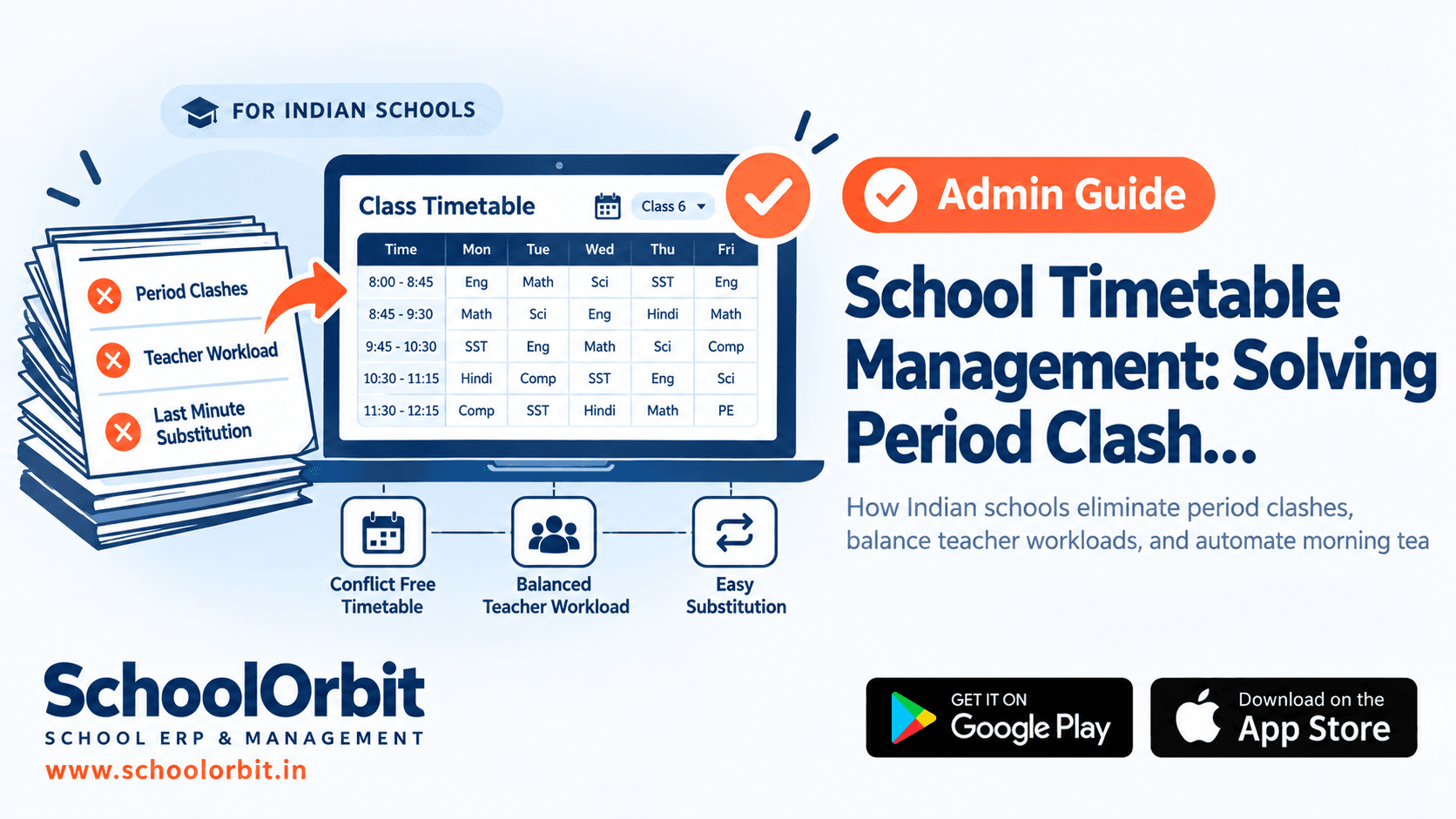
Creating a workable master timetable is one of the most demanding operational challenges faced by Indian school principals and academic coordinators. Balancing subject-wise period allocations, laboratory sharing, teacher workload norms, and unpredictable morning staff absences requires systematic automation rather than manual chart paper calculations.
Source: UDISE+ 2025-26, Department of School Education & Literacy, Ministry of Education.
Why School Timetabling in India Is a Multi-Variable Constraint Problem
In a typical Indian private unaided school with 40 to 80 sections across primary, middle, and senior wings, preparing the master timetable before the academic session begins is an arduous exercise. Academic coordinators must satisfy multiple hard constraints that cannot be violated, alongside soft preferences that affect teacher morale and student focus.
A single timetable conflict — such as scheduling two senior sections for the chemistry laboratory during period 4, or assigning a teacher to teach simultaneously in Class IX-A and Class X-B — disrupts classroom order, frustrates faculty, and wastes instructional time. When created on spreadsheets or paper grids, checking thousands of cell permutations for hidden clashes is practically impossible.
Faculty Specialisation Limits
TGT and PGT faculty possess specialised subject expertise. A senior secondary Physics teacher cannot be randomly assigned to an English literature period without compromising academic quality.
Infrastructure Bottlenecks
Composite science laboratories, computer labs, audio-visual rooms, and sports grounds are shared resources that can only accommodate one section or cohort at any given time.
Pedagogical Period Distribution
Demanding subjects such as Mathematics and Science require morning periods when student concentration is highest, while co-curricular activities and library hours are best allocated across afternoon blocks.
Multi-Wing Bell Schedules
Pre-primary, primary, and senior wings often operate on staggered arrival timings, different period counts (7 to 8 periods daily), and differing recess durations that must align cleanly across shared teachers.
Manual Spreadsheet Scheduling vs. Automated Timetable Software
Many schools still spend weeks every March attempting to build schedules on Excel or physical boards. The comparison below demonstrates why modern school administrations are shifting to purpose-built timetable engines.
| Operational Dimension | Manual / Spreadsheet Method | Automated School Timetable Engine |
|---|---|---|
| Master Schedule Creation | Takes 2 to 3 weeks of coordinator effort; manual checks often miss overlap errors. | Generated in minutes using rule-based algorithms with automatic clash detection. |
| Shared Facility Booking | High risk of double-booking science laboratories, computer rooms, or auditoriums. | Locks shared resources automatically; prevents simultaneous multi-section allocations. |
| Teacher Workload Equity | Difficult to track continuous back-to-back periods or uneven weekly distributions. | Enforces strict workload caps (e.g. max 5 periods daily) and balanced non-teaching slots. |
| Morning Teacher Substitution | 30 to 45 minutes of frantic paper slips every morning at 7:45 AM; unassigned classes occur. | Automated 1-click substitution engine matches free teachers and alerts staff instantly. |
| Teacher & Parent Access | Printed paper timetables posted on staff room boards, easily lost or outdated after edits. | Published directly to mobile apps; teachers and parents view real-time schedules anywhere. |
Solving the 7:45 AM Substitution Crisis
The true operational test of any school timetable occurs every morning between 7:30 AM and 8:00 AM. In a school with 50 to 100 teachers, an average of 2 to 5 staff members may be absent on any given day due to casual leave, medical emergencies, or on-duty school assignments. If substitution is handled manually, the vice-principal or coordinator faces an immediate crisis before the assembly bell.
An intelligent timetable management module transforms this daily stress into a streamlined, automated workflow:
- 1Teacher Leave Logging: The coordinator logs planned or morning leave notifications into the system in seconds.
- 2Constraint-Based Matching: The engine identifies vacant periods and cross-references faculty who have a designated free period.
- 3Pedagogical Alignment: The system prioritises teachers who teach the same subject or class cohort to preserve productive learning.
- 4Workload Balancing: The algorithm avoids repeatedly assigning substitution duties to the same teachers, preventing staff burnout.
- 5Instant Smartphone Notification: Substitute teachers receive instant push notifications with class details on their mobile app.
Modern substitution systems allow the absent teacher or department head to attach an assigned revision worksheet or reading chapter directly to the substitution alert, ensuring students remain productively engaged rather than sitting idle.
5 Steps to Configure Your School Timetable for the New Session
Setting up a reliable master timetable requires a structured approach before classes commence. Indian schools achieve the best results by following these sequential configuration stages:
- ✓Configure School Working Hours & Wings: Set specific bell schedules, assembly durations, period lengths, and recess intervals for pre-primary, primary, and secondary sections.
- ✓Define Subject Period Quotas: Establish the required number of weekly periods for core academics, languages, laboratories, physical education, and co-curricular electives.
- ✓Set Faculty Workload Rules: Specify maximum daily teaching periods, weekly load limits (30-36 periods), and mandatory planning or free periods for each teacher.
- ✓Map Shared Facilities & Rooms: Register chemistry, physics, biology, and computer labs with capacity caps to avoid simultaneous room scheduling.
- ✓Run Conflict Detection & Publish: Execute automated schedule generation, review edge cases, and push live schedules to teacher and student mobile applications.
Connecting Timetables with Daily Classroom Administration
A timetable should not exist as an isolated chart on a wall. When integrated with the broader school ERP, it acts as the operational heartbeat of the institution, directly driving:
Period-Wise Attendance
Class teachers and subject teachers take attendance directly mapped to their assigned periods, preventing student bunking between morning and afternoon sessions.
Homework & Syllabus Tracking
Teachers publish daily assignments and track completed curriculum milestones aligned with their scheduled academic periods.
Substitute Teacher Verification
Administrative dashboards show real-time coverage across every classroom, giving the principal complete visibility over who is teaching in every section at any hour.
Explore how SchoolOrbit connects academic scheduling with digital classrooms:
Eliminate Timetable Clashes and Morning Substitution Stress
Discover how SchoolOrbit automates master schedule creation, balances teacher workloads, and handles daily staff substitutions effortlessly.
Important Note
The information in this article is provided for general informational and educational purposes only. It is not legal, financial, regulatory or professional advice, and it should not be relied on as a substitute for consulting qualified professionals or your own advisers.
SchoolOrbit is an independent software provider. We are not affiliated with, endorsed by, or acting on behalf of CBSE, CISCE, any State Board, or any government or regulatory authority, and nothing in this article represents the views of any such body.
Board rules, examination policies, fee regulations and government schemes change from time to time. Always confirm current requirements with the official source — for example cbse.gov.in, cisce.org, your State Education Department, or the relevant government portal — before acting on anything you read here.
Feature descriptions refer to SchoolOrbit’s own software. We do not guarantee any specific outcome, saving or result.
Found an error? Email us at info@schoolorbit.in and we will correct it. See also our Terms and Privacy Policy.
Tags