How Teachers Can Track Internal Assessments and Practical Marks Without Term-End Stress
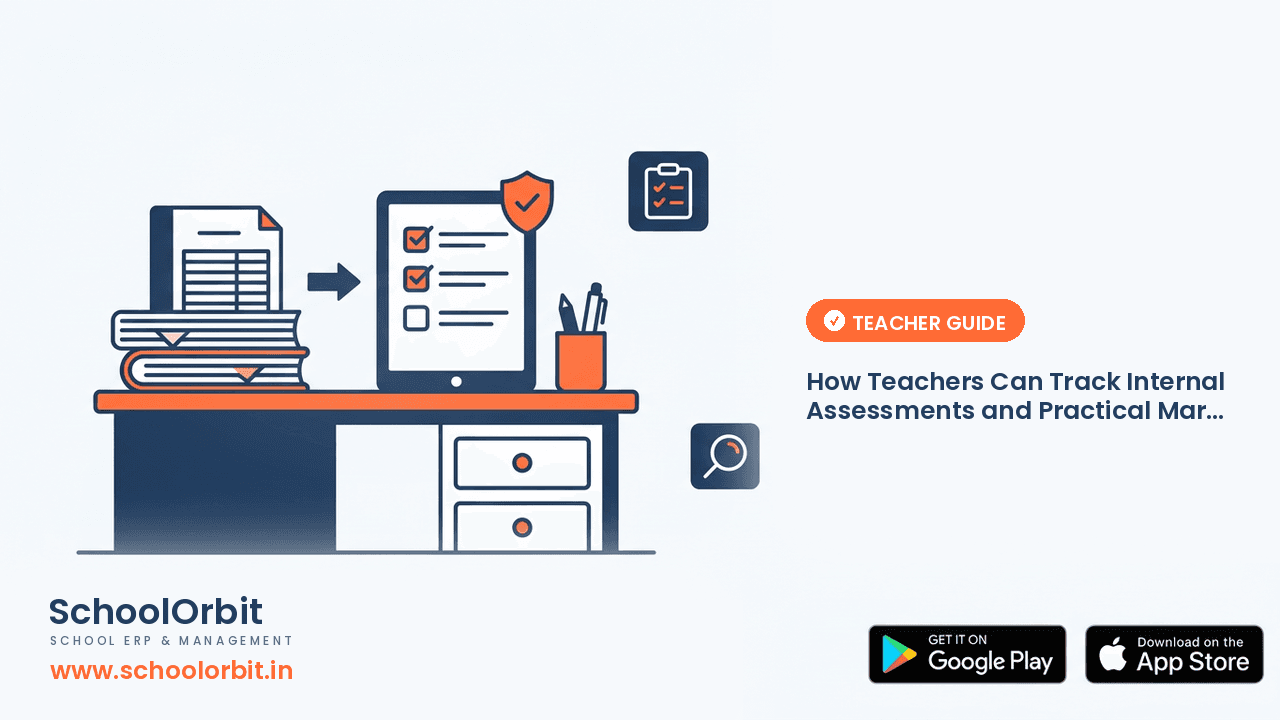
Subject teachers and class teachers handle continuous assessments throughout the academic session, from unit tests and notebook checks to lab practicals. Organizing these marks consistently avoids the stressful scramble when report cards are due.
The Challenge of Continuous Marks Tracking
In modern school curricula, student evaluation does not happen only during half-yearly or final examinations. Teachers continuously evaluate classwork, homework submissions, subject enrichment projects, periodic assessments, and practical experiments.
With multiple sections and dozens of students in each class, recording marks on paper registers or scattered notebooks quickly becomes overwhelming. When term-end deadlines approach, teachers find themselves spending late evenings deciphering rough notes, checking absent student lists, and converting scores into standard grading weights.
Where Assessment Records Often Go Astray
- ✓Scattered record books: Keeping weekly quiz scores on loose worksheets, lab marks in practical manuals, and project grades in personal diaries.
- ✓Absentee follow-ups: Forgetting which students were absent during a specific unit test and need a retest before marks submission.
- ✓Weighted calculation errors: Manually scaling a twenty-five mark periodic test down to ten marks alongside notebook and enrichment scores.
- ✓Section transfers: Losing track of previous assessment scores when a student shifts between sections mid-term.
- ✓Last-minute data entry: Rushing to type hundreds of individual assessment components into the school office database in a single afternoon.
Practical Steps for Systematic Marks Entry
Adopting a regular routine during the teaching week prevents assessment marks from piling up into an unmanageable chore:
- 1Record marks immediately after evaluation. As soon as you grade a class test or evaluate a project, enter the scores into your primary master record rather than keeping them on loose question papers.
- 2Clearly flag absent students. Mark absentees with a distinctive symbol or note so you immediately know who needs a scheduled re-assessment before the grading window closes.
- 3Standardize grading rubrics beforehand. Decide clear criteria for notebook upkeep, project creativity, and lab viva scores before evaluating student submissions.
- 4Conduct quick mid-term reconciliation. Compare your subject marks against the class teacher's roll list halfway through the term to ensure no student was missed.
- 5Share progress observations early. Mention recurring performance dips to class teachers or parents during the session rather than waiting for the final report card.
Managing Practical and Project Assessments
Science lab practicals, computer projects, and language speaking-listening tasks carry distinct assessment criteria. Evaluating students across observation skills, viva voce, and practical file presentation requires clear component-level tracking.
Instead of assigning a single consolidated number at the end of the term, evaluate students immediately following their lab experiments or classroom presentations. Breaking assessments into clear components keeps grading objective, transparent, and defensible.
Keep a brief log of student feedback alongside assessment marks. When parents or students ask how a particular project grade was determined, having short notes on timeliness and presentation quality makes explaining the score simple.
How School Software Reduces Teacher Workload
Digital examination and grading systems remove the burden of manual score calculation. Instead of spending hours calculating weighted percentages with a calculator, teachers input raw test scores directly into intuitive mobile or web interfaces.
A centralized platform automatically applies board-specific grading scales, generates subject averages, and highlights missing student entries. This automation ensures that coordinators and principals receive verified academic data without manual paperwork.
How SchoolOrbit Helps Teachers
SchoolOrbit provides comprehensive examination and grading workflows built to support Indian school educators. Teachers can access the mobile teacher app to record periodic test scores, class assessments, and practical marks directly from the classroom or staff room.
The system handles component weightage calculations automatically, tracks student attendance during exams, and compiles marks directly into consolidated report card templates. Subject teachers and class teachers can collaborate smoothly without exchanging bulky physical registers.
Teacher Checklist for Internal Assessments
- ✓Are assessment criteria explained to students before assignments begin?
- ✓Are scores entered into the central system within forty-eight hours of testing?
- ✓Have absent students been scheduled for re-tests where applicable?
- ✓Are practical and project marks split into distinct verifiable components?
- ✓Have you reviewed your section's marks list for missing entries before final submission?
Want to simplify marks tracking for your teaching staff?
SchoolOrbit streamlines continuous assessments, grading calculations, and report card generation so teachers can spend more time teaching.
Important Note
The information in this article is provided for general informational and educational purposes only. It is not legal, financial, regulatory or professional advice, and it should not be relied on as a substitute for consulting qualified professionals or your own advisers.
SchoolOrbit is an independent software provider. We are not affiliated with, endorsed by, or acting on behalf of CBSE, CISCE, any State Board, or any government or regulatory authority, and nothing in this article represents the views of any such body.
Board rules, examination policies, fee regulations and government schemes change from time to time. Always confirm current requirements with the official source — for example cbse.gov.in, cisce.org, your State Education Department, or the relevant government portal — before acting on anything you read here.
Feature descriptions refer to SchoolOrbit’s own software. We do not guarantee any specific outcome, saving or result.
Found an error? Email us at info@schoolorbit.in and we will correct it. See also our Terms and Privacy Policy.