Manual Fee Management vs Digital Fee Management: What Changes in a School
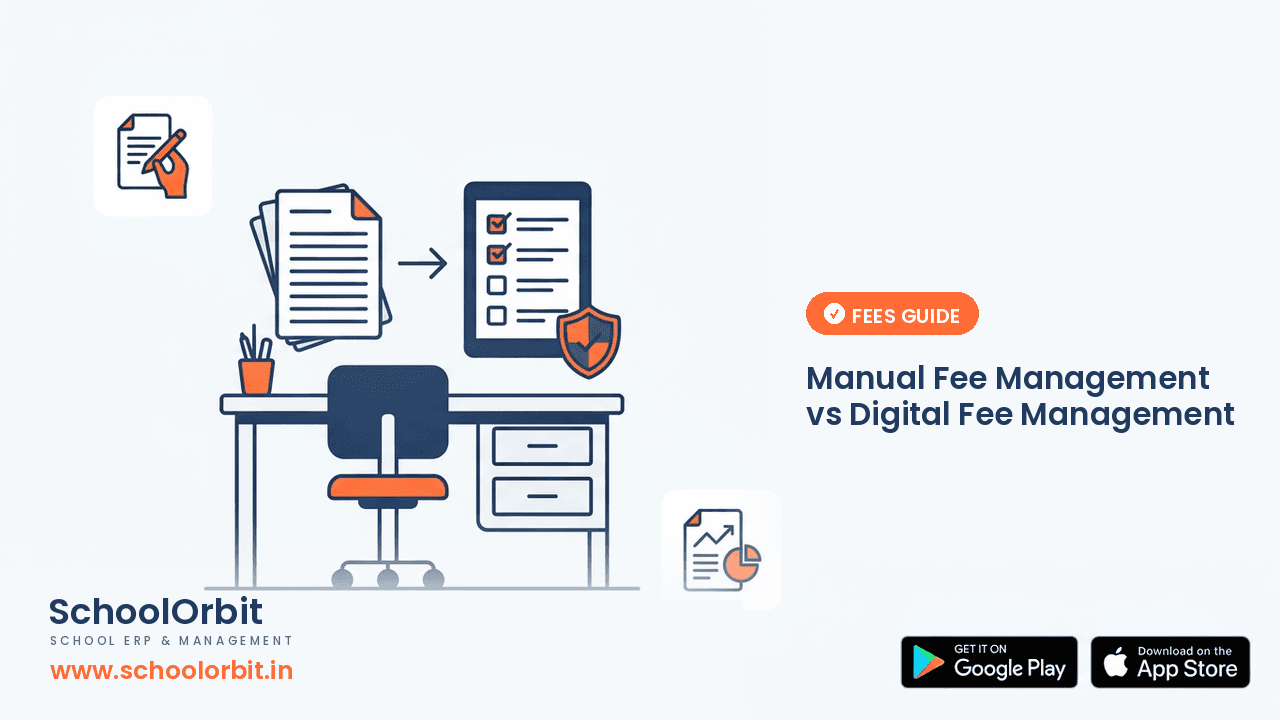
It is the week fees are due. A parent stops at the school office to ask how much is left to pay. The office staff open a register, check a receipt book, then look through a bundle of forms to see whether the last instalment was recorded. Ten minutes pass. Three more parents are waiting. Nothing about the school is wrong here — this is simply how fee work runs when every step is done by hand.
Manual fee management can work. Many schools have run on registers and receipt books for years, and the people doing it know the system very well. The question is not whether manual is bad, but whether it is still the right fit as a school grows. This article compares the two honestly, so you can decide what your school actually needs.
Why fee work feels heavy in a manual system
The difficulty is rarely one big task. It is a hundred small ones, repeated every month:
- ✓Every payment is written by hand, then copied again into a separate ledger.
- ✓Receipts are issued from a book; a duplicate copy has to be filed and kept safe.
- ✓To answer “how much is pending?” someone has to add up entries across several pages.
- ✓Reminders for overdue fees depend on whoever remembers to make the calls.
- ✓Concessions, sibling discounts and part-payments live in different notebooks.
- ✓At the end of the term, totals have to be tallied and checked against the bank.
None of this is complicated. But it is time-consuming, and it depends on the same one or two people being present and careful. If a staff member is on leave, the information they hold can slow down the whole office.
What changes when fee management goes digital
Digital fee management does not change how a school collects money. It changes how the record of that money is kept. Instead of writing the same detail in two places, a school records the payment once and the balance updates for everyone who needs to see it.
- 1Fee structures are set up once, by class, so the correct amount shows for each student.
- 2When a payment is recorded, the receipt is generated and the pending balance changes at the same time.
- 3Any authorised person — the accountant, the principal, the office — sees the same current figure.
- 4Overdue lists can be viewed by class or by student, instead of being worked out by hand.
- 5At the end of the month, collection totals are ready without a separate tallying exercise.
The practical gain is not a dramatic one. It is fewer copies, fewer errors, and less time spent searching. In a busy admission or examination month, that matters more than it sounds.
Where manual still works
It would be dishonest to say every school needs software. A small school with a few hundred students, stable fee slabs and one experienced accountant may manage perfectly well with a well-kept register. Changing a working system has its own cost.
Manual fee management becomes harder when the school grows, when fee slabs differ a lot between classes, when many families pay in instalments, or when more than one person needs to answer fee questions from parents. Those are the situations where a register starts to creak.
A simple comparison
| What matters | Manual registers | Digital fee management |
|---|---|---|
| Recording a payment | Written by hand, often in two places | Entered once, balance updates |
| Issuing a receipt | Handwritten from a book | Generated with the entry |
| Checking pending fees | Add up entries by hand | View the current balance |
| Following up overdue fees | Depends on memory and notes | A list the office can work from |
| Month-end totals | Tallied separately | Ready from the records |
| When a staff member is on leave | Their register holds the answers | Information stays accessible |
The table is not a verdict. It simply shows that the two systems fail in different ways: manual systems strain under volume, and digital systems need careful setup at the start.
What to check before you move
If your school is considering a change, a few questions will tell you more than any product brochure:
- ✓Can the fee structure handle different amounts for different classes, and instalments?
- ✓Does the system keep a clear history for each student, including part-payments?
- ✓Can parents see their own dues and receipts, so they stop calling the office to ask?
- ✓Can the office issue a receipt quickly during a busy collection day?
- ✓Will staff be able to learn it without weeks of training?
- ✓Is it easy to check reports at the end of a month or term?
How SchoolOrbit fits
SchoolOrbit is built for the everyday fee workflows an Indian school actually runs. Fee structures can be set by class, payments and receipts are recorded in one place, and authorised staff can see pending balances without hunting through registers.
For parents who use the school app, fee information and receipts can be viewed directly, which reduces the routine “how much is due?” call to the office. You can read more about how these pieces work in the SchoolOrbit documentation on fee groups, invoices and payments.
The point is not that every school must switch. It is that the decision should be made by looking at your own volume, your own fee patterns and how much time your office currently spends on routine fee questions.
See how digital fee management works
Walk through fee structures, receipts and pending balances with a short demo, and decide whether it suits your school.
Important Note
The information in this article is provided for general informational and educational purposes only. It is not legal, financial, regulatory or professional advice, and it should not be relied on as a substitute for consulting qualified professionals or your own advisers.
SchoolOrbit is an independent software provider. We are not affiliated with, endorsed by, or acting on behalf of CBSE, CISCE, any State Board, or any government or regulatory authority, and nothing in this article represents the views of any such body.
Board rules, examination policies, fee regulations and government schemes change from time to time. Always confirm current requirements with the official source — for example cbse.gov.in, cisce.org, your State Education Department, or the relevant government portal — before acting on anything you read here.
Feature descriptions refer to SchoolOrbit’s own software. We do not guarantee any specific outcome, saving or result.
Found an error? Email us at info@schoolorbit.in and we will correct it. See also our Terms and Privacy Policy.