What Is a School ERP? A Simple Guide for School Owners
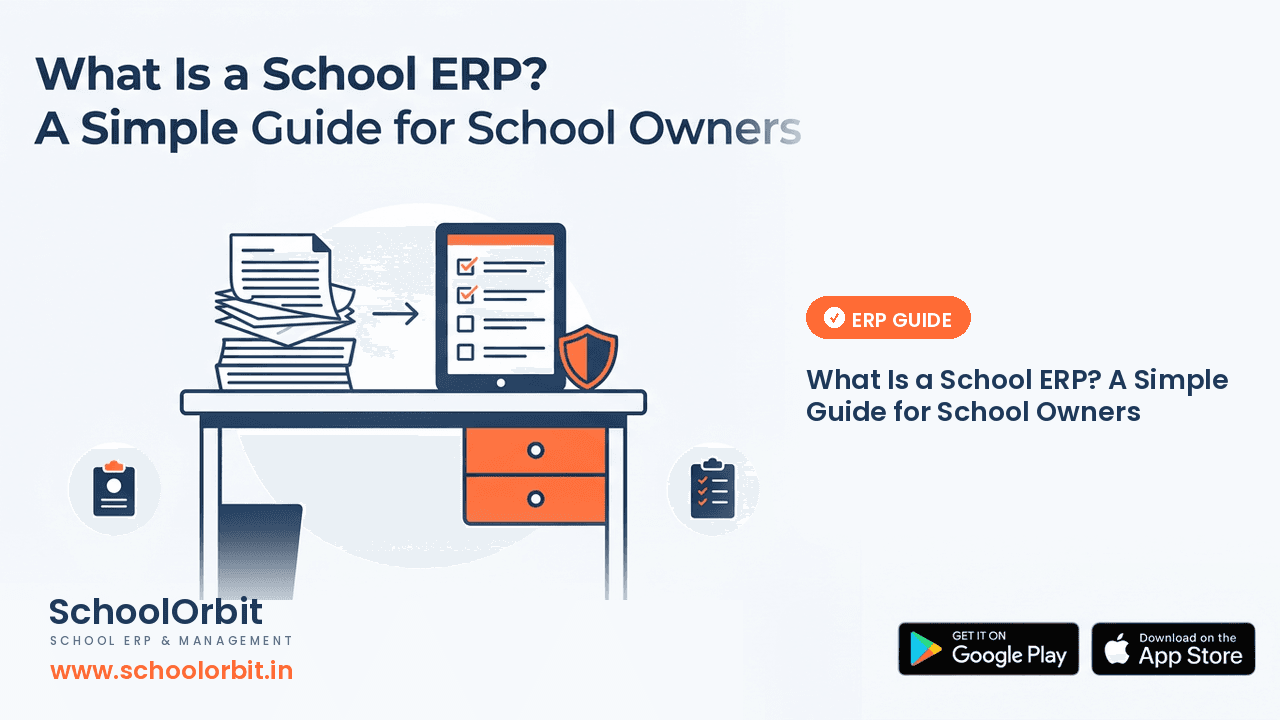
Ask ten people what a school ERP is and you will usually get a list of features. For a school owner, the useful question is simpler: what actually changes in the school office when records, attendance, fees and parent communication stop living in separate registers, sheets and group chats?
Most schools do not set out to buy software. They start with a register, add an Excel sheet when the register gets full, and open a WhatsApp group when parents ask for updates. Each step solves the problem in front of them. Over a few years, the same student's details end up in three or four places, and none of them is fully up to date.
This guide explains what a school ERP really is, what it is not, and how to tell whether your school needs one — in plain language, without the sales pitch.
What a school ERP actually is
A school ERP is one system that keeps the school's everyday records and routines in a single place. Instead of separate registers, spreadsheets and apps, the information sits in one platform that the school office, teachers and parents can reach according to their role.
The word ERP comes from manufacturing, where it stands for enterprise resource planning — one system for everything. For a school the idea is the same: one place for student records, attendance, fees, examinations, homework, timetable, transport and communication with parents. When those areas share the same records, a change made once — a corrected address, a marked absence, a paid instalment — is seen everywhere it matters.
What a school ERP is not
A few common misunderstandings are worth clearing up before you evaluate any product.
- ✓It is not only a fee-collection app. Fees are one part of it; the real value comes from the student records staying together.
- ✓It is not a replacement for good school processes. Software makes a clear process faster; it does not invent one for you.
- ✓It is not a way to remove staff. It reduces repeated work so the same team can keep up without rushing.
- ✓It is not only for big schools. A school with two sections can benefit as much as one with twenty, if the daily routine depends on it.
The everyday areas a school ERP usually covers
A school ERP is organised around the daily work of a school rather than around a list of features. The main areas are:
Student records
One profile per student with contact details, class and section, documents and history. When this is accurate, every other part of the system works from it.
Attendance
Daily attendance taken by the class teacher, kept as a record, and made visible to the office and to parents.
Fees
Fee structures, collection, receipts and follow-up on pending payments, so the office is not reconciling three lists at the end of the month.
Examinations
Exam schedules, marks and report-card workflows, so results move from teacher to report card without a second round of copying.
Homework and timetable
Class timetables and homework that reach students and parents in a form they can actually follow, instead of a photo of the blackboard.
Transport and parent communication
Bus routes and stops, and a single channel for notices, so parents hear important updates from the school rather than from a forwarded message.
Signs your school has outgrown registers and spreadsheets
You do not need a long checklist to know. In most schools, the clearest signals are the ones staff complain about quietly:
- ✓The same student's details have to be updated in more than one place.
- ✓The office answers the same questions about fees, attendance or transport several times a day.
- ✓Report cards or fee follow-ups depend on one person who knows the spreadsheet.
- ✓Parents hear about a problem weeks after the teacher noticed it.
- ✓Nobody can say, with confidence, how many students were absent last week.
How to evaluate a school ERP without getting carried away
Start with one real problem, not with a feature list. The school that fixes attendance and parent communication first usually settles into the system faster than the one that tries to move everything on day one.
- 1Write down the two or three tasks that take the most repeated effort today.
- 2Watch a demo and ask to see those exact tasks, with your own school's data, not a polished sample.
- 3Check that student records are the base of everything else, not a separate module you must maintain twice.
- 4Confirm how parents receive information, and whether it works in the languages your parent community reads.
- 5Ask what happens on a normal Monday, and who in the school has to be trained for it.
- 6Agree on a short trial period with a clear cut-over plan before the next academic session, not in the middle of one.
Schools that switch everything at once tend to spend the first month fixing data instead of using the system. Moving attendance and student records first, then fees and examinations, keeps the school running while the office learns the software.
How SchoolOrbit fits
SchoolOrbit is a school management platform built around the areas above: student records, attendance, fee management, examinations, homework, timetable, transport and parent communication. The AI Assistant can answer routine questions about school information through chat or voice, and supports Hindi, Punjabi and other Indian languages. For a school evaluating its first ERP, the practical way to judge it is to bring one real problem — attendance, or fee follow-up — and see how it is handled end to end.
See it on your own school's routine
Bring the task your office repeats most and we will walk through it with you — no feature tour, just the daily work.
A school ERP is not impressive software. It is software that keeps the same information in one place so the school stops repeating itself. Judge it by that, and the right choice becomes much easier.
Important Note
The information in this article is provided for general informational and educational purposes only. It is not legal, financial, regulatory or professional advice, and it should not be relied on as a substitute for consulting qualified professionals or your own advisers.
SchoolOrbit is an independent software provider. We are not affiliated with, endorsed by, or acting on behalf of CBSE, CISCE, any State Board, or any government or regulatory authority, and nothing in this article represents the views of any such body.
Board rules, examination policies, fee regulations and government schemes change from time to time. Always confirm current requirements with the official source — for example cbse.gov.in, cisce.org, your State Education Department, or the relevant government portal — before acting on anything you read here.
Feature descriptions refer to SchoolOrbit’s own software. We do not guarantee any specific outcome, saving or result.
Found an error? Email us at info@schoolorbit.in and we will correct it. See also our Terms and Privacy Policy.
Tags